
IMAGE IMPORT

Import an image and turn it into your artwork

Choose a picture from your phone and use the same tools available for built-in coloring pages to give it your own style.

  • No account required
  • Artwork stays on your device
  • Made for kids, teens and adults
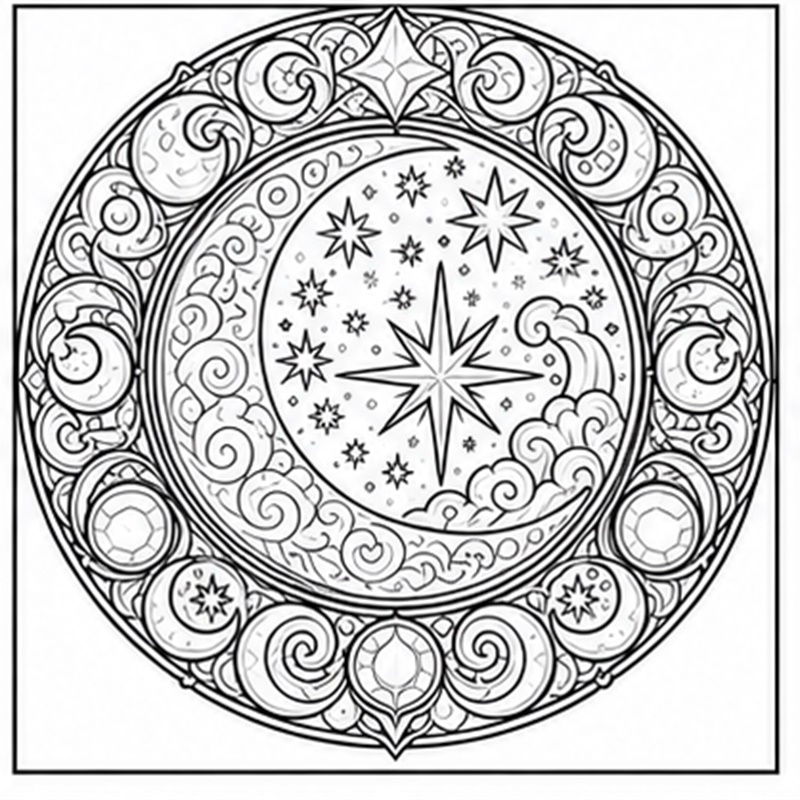
Coloring artwork created in the Couloria app
01User-controlled image selection
02Contour and region detection
03Editable, saveable results

From your picture to a colored creation

Couloria reads the selected image on the device and prepares its areas for coloring. Fill targets the touched region, while Brush supports freer adjustments around small details.

Zoom, refine, then save

Tool coordinates follow image zoom and movement. Finish the result manually, give it a name, save it and then export or share it through an app you select.

ANDROID

Ready to bring your ideas to life?

Explore coloring pages, precise tools and your saved creations in Couloria for Android.

Get it on Google Play